Scrollbook
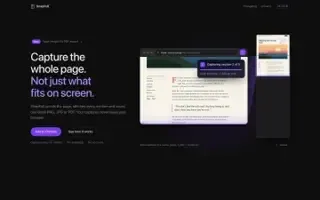
A Chrome extension that captures whole web pages for review, as one clean image or a print-ready PDF.
I designed and built Scrollbook, a full-page capture tool made for the MLR review process, where every page of a pharma website has to be reviewed and signed off exactly as it was built.
The problem
Before a pharma website goes live, its pages go through MLR review (medical, legal and regulatory). Reviewers need to see each page whole, exactly as built, and the team has to submit every page of the site, not just one.
The usual tools fight this at every step:
- Screenshots only capture what fits on screen, so long pages are stitched together by hand
- Sticky headers and chat widgets repeat down the stitched image
- Animations and lazy-loaded images are caught half-drawn
- Printing to PDF cuts content across page breaks, splitting images and tables in two
- A multi-page site means capturing, naming and editing dozens of files one at a time
The solution
One click, or ⌥ ⇧ S, and Snapfull scrolls the page, captures every section and stitches them into one clean PNG, JPG or PDF.
It handles the pages that break other tools:
- Hides fixed elements, so sticky bars and chat widgets don't repeat
- Pauses page animations and waits for slow data, so dashboards and charts hold still
- Follows infinite scroll and pages with their own scrolling areas
- Page-Height Fit exports one continuous PDF page, with no page breaks cutting through content
- Stamps the page address and date on PDFs, as proof of exactly what was reviewed
Multi-page review
MLR rarely means one page. Scrollbook Pro is built around the multi-page side of the job: capture a group of pages across tabs, merge the captures into a single PDF for submission, split long pages smartly across paper sizes, and save and export edits to the captures.
Design decisions
Local-first by default. Pages under review are often unreleased and confidential, so captures, URLs and page content never leave the browser. There's no account and no analytics.
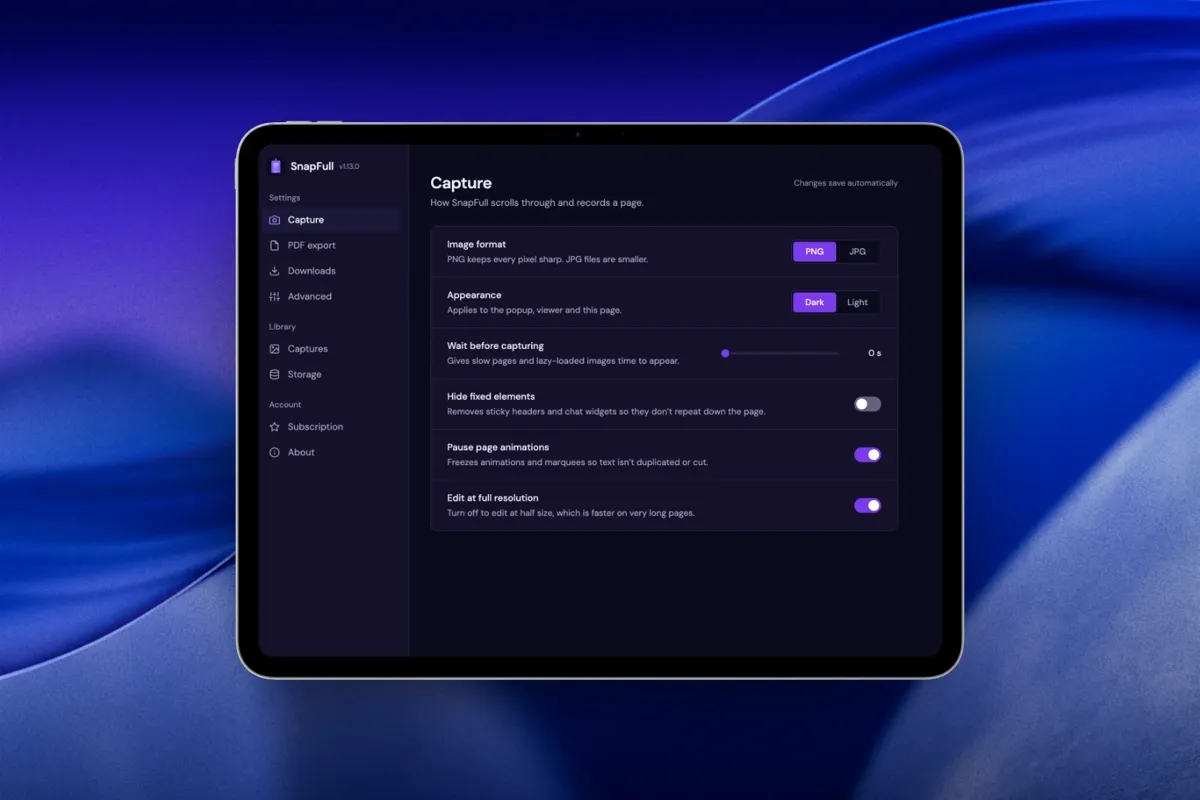
Defaults that just work. Most people should never open settings. The ones who do get a single page grouped into Capture, PDF export and Downloads, with every option explained in one line.
Free where it counts. Full-page capture, PNG, JPG and PDF export, all paper sizes, Page-Height Fit and session history are free. Pro covers the team workflows: group capture, merged PDFs, smart splitting and saved edits.
Outcome
Scrollbook is live on the Chrome Web Store and in active development, now on version 1.14.1 Pages that used to take a stack of screenshots and manual stitching for MLR submission are captured whole, in one file, in a click.