Doccy
A Figma plugin that pastes formatted text into Figma without losing a single style.
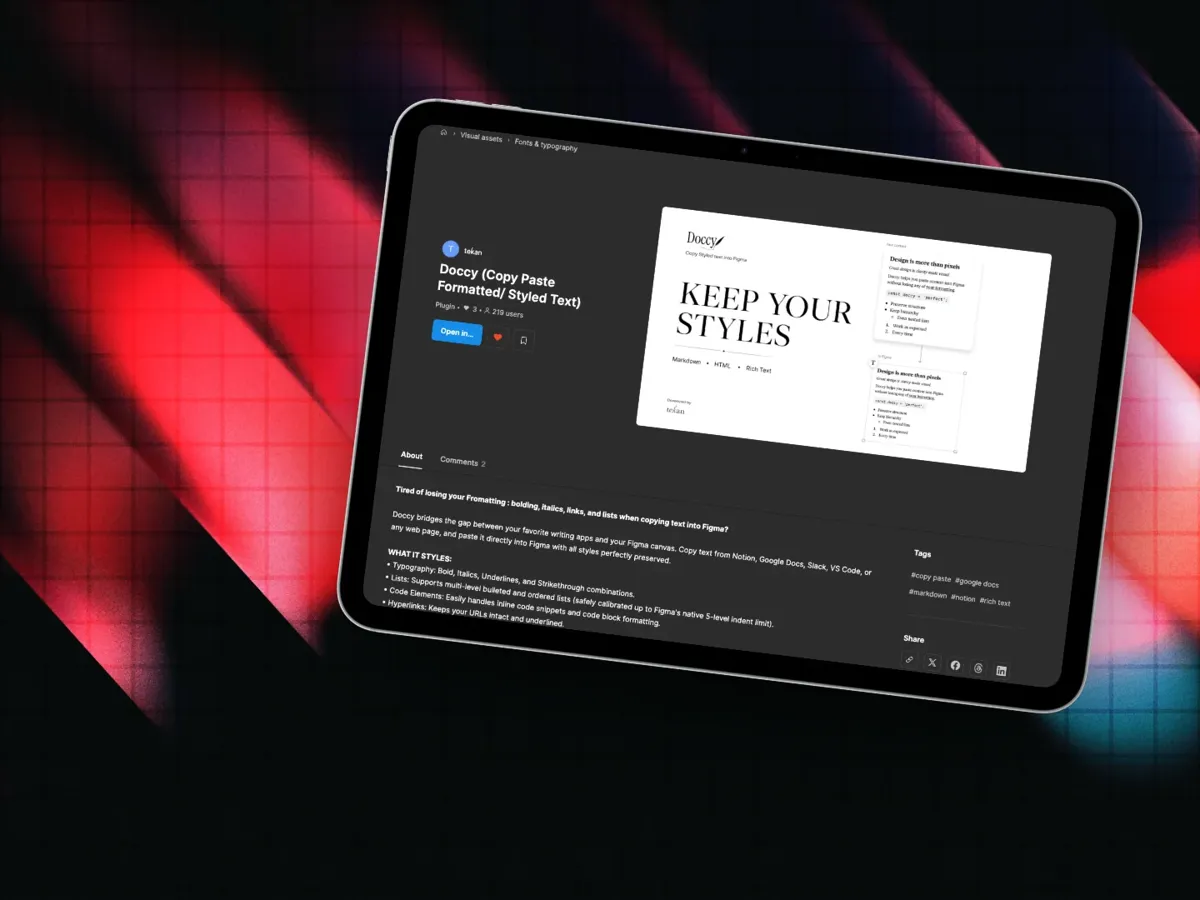
I designed and built Doccy end to end, from the parsing engine to the plugin window, and published it on Figma Community under teḱan.
It cut the time to bring approved copy into an AstraZeneca website design from about 3 hours to 15–20 minutes. Indegene has featured it, and it is now used widely across design and content teams.
The problem
Website copy in pharma arrives as long, approved documents in Word or Google Docs: headings, bold claims, italic product names, links, nested lists and a lot of superscripts for references, units and trademarks.
Figma throws all of that away on paste. Every block lands as plain text, so designers rebuild the formatting by hand, line by line, and check it against the source again. On AstraZeneca website work this took around three hours for a round of copy, and it had to be repeated every time the copy changed.
The cost wasn't just time. Hand-restyling is where mistakes creep in: a missing superscript on a reference, a list flattened into a paragraph, an unlinked URL. In regulated content, each of those is a review comment.
Who it's for
- Designers placing real copy decks into layouts
- UX writers and product managers who write in Notion, Docs or Slack and hand over to design
- Design system teams testing components against real-world content
- Pharma and healthcare teams, where references, units and chemical notation have to survive intact
The solution
Run Doccy, copy styled text, Markdown or HTML from anywhere, and paste it into the plugin window. Doccy turns it into native, editable Figma text layers with the styling intact.
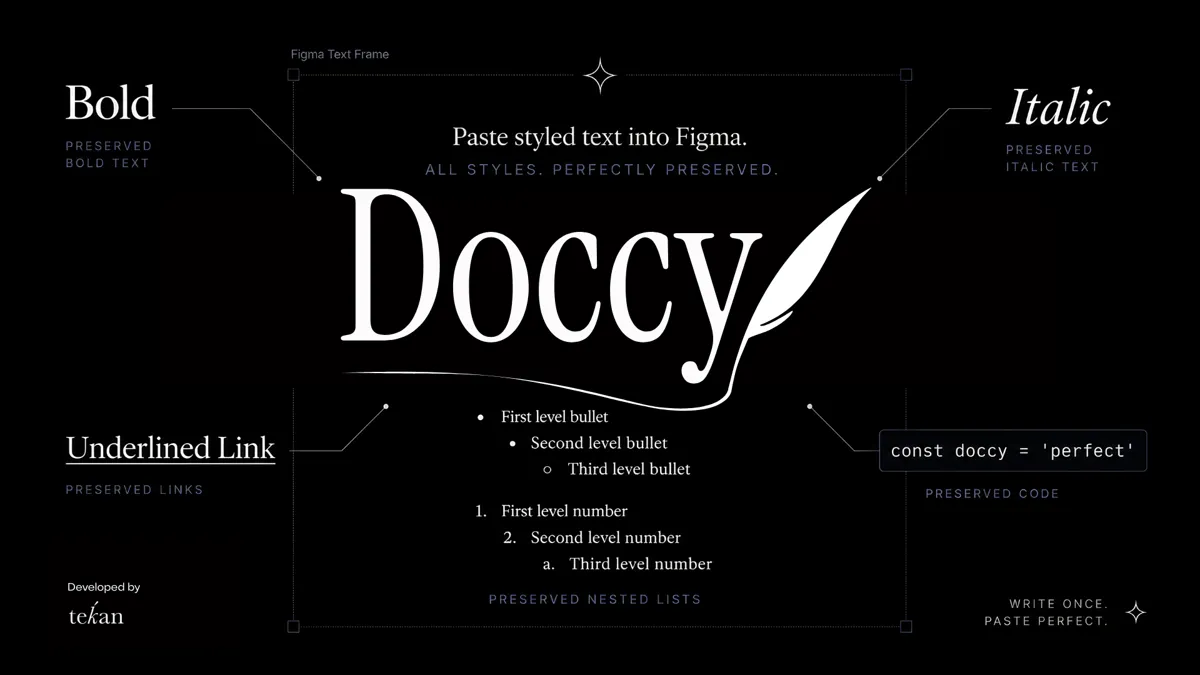
It keeps bold, italics, underline and strikethrough in any combination, multi-level bulleted and numbered lists, inline code and code blocks, links, and special Unicode symbols and fractions. Copy from Notion, Google Docs, Slack, VS Code or any web page.
Design decisions
Native text, not pictures of text. Pasted copy stays editable and responds to Figma's own type tools, so the designer never has to choose between fidelity and control.
Respect Figma's limits. Figma supports five indent levels, so nested lists are calibrated to that ceiling instead of breaking past it.
Built for scientific copy. Later versions expanded subscript and superscript support for chemistry formulas, medical abbreviations, units such as m² and eGFR, and product information.
Be honest about what can't convert. Unicode has no subscript or superscript for every letter. Rather than failing silently, Doccy flags the characters it couldn't convert, and one click highlights them in red so nothing slips into review unnoticed.
Get out of the way. The plugin window resizes to fit the workspace, and the core flow is a single paste.
Outcome
- Copy for AstraZeneca website work went from about 3 hours to 15–20 minutes to bring into Figma
- Featured by Indegene
- Used widely, with 200+ users on Figma Community and growing
- Four releases so far, each shaped by real paste problems from Google Docs, Word and email editors